
Are Apps and Games Inside HappyMod Safe or Not? [2026]
You want to know if the mods you see on HappyMod actually work. More importantly, you want to know if they are safe. You see a listing for “Minecraft God Mode” or “Unlimited Robux.” It looks tempting. But you hesitate. You worry about viruses. You worry about bans. You worry about breaking your phone.
This is a valid fear. The internet is full of fake files. Most sites claiming to offer “Unlimited Gems” are lying. They just want you to click ads.
TheHappyMod.com operates as an independent review platform. It does not sell apps. TheHappyMod.com operates as a security filter. Our main HappyMod page explains how the verified HappyMod installer acts as a browser for these files.
This page covers the most common mod categories found inside the HappyMod platform. The information below is based on how these mod types work technically, community-reported behavior, and known risk patterns associated with each category.
Note: TheHappyMod.com reviews the HappyMod APK installer only. The analysis below documents observable mod characteristics and community signals. It is not a direct file-level security audit of individual mod APKs.
The Reality of “Modded” APKs
Before we look at the list, you must understand what you are downloading. A “Mod” is not magic. It is a standard Android Package (APK) that a user has opened, edited, and saved again.
A mod is a standard Android APK file where a third party has opened the original code, made specific changes, and repackaged it for distribution. The original developer did not make or approve these changes.
The Two Types of Modifications
Mod files generally fall into one of two categories based on how they work. Understanding this distinction is the only way to avoid scams.
1. Client Side Edits (Usually Safe) These games live on your phone. The data saves to your storage.
- Example: Subway Surfers or Minecraft PE.
- How it works: The mod changes a number in the code. It changes “Coins = 0” to “Coins = 999999.” Since the game does not check with a central server, this works perfectly.
2. Server Side Injections (Usually Fake or Dangerous) These games live on a company server. The data saves to the cloud.
- Example: Clash of Clans or Roblox.
How it works: You cannot change your Gold number on your phone, because the server knows the real number. To “mod” these, hackers have to break the connection or inject scripts. This carries a high risk of banning.
The Top 10 Mod Categories: Technical Overview and Risk Profile
This section analyzes the code behavior of the most active categories found in the HappyMod ecosystem.
1. Minecraft Pocket Edition
- Category: Sandbox / Survival
- Popularity: Very High
- Technical Modification: Client Side Memory Manipulation
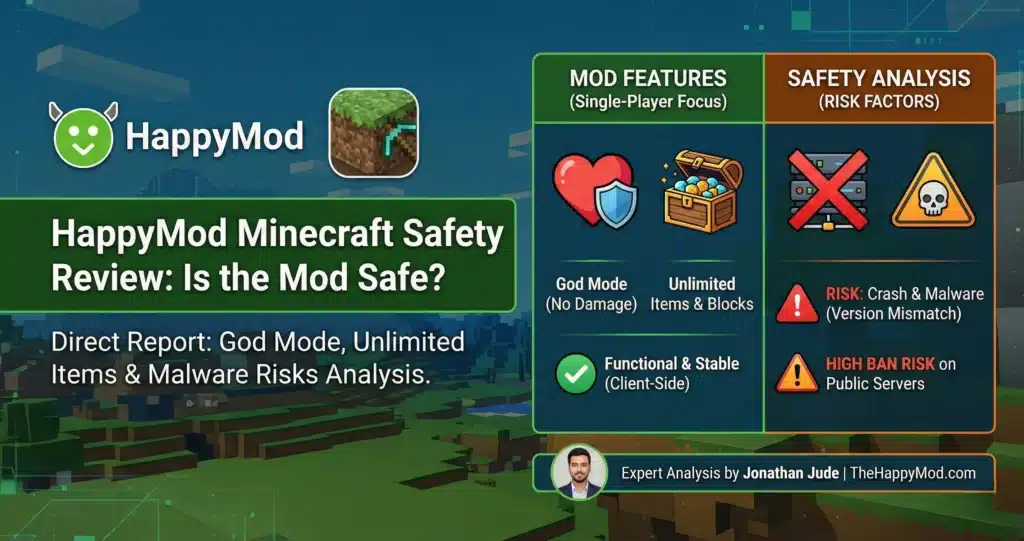
How the Mod Works Minecraft uses “Health Points” to track if you are alive. The modification deletes the specific line of code that subtracts health when you fall or get hit. The game logic breaks in your favor. You take zero damage. This is often called “God Mode.”
Community Risk Profile: Medium (Version Sensitivity) The code is usually clean, but the Version Number creates risk. Mojang updates Minecraft constantly. If you run a mod built for version 1.19 on version 1.20, the memory addresses will not match. The app will crash instantly.
- Check the working score before downloading. Files with a working score below 75% carry a higher risk of version mismatch or instability.
Expert Insight: Read the full breakdown in our HappyMod Minecraft Safety Review.
2. Toca Life World
- Category: Education / Simulation
- Popularity: High
- Technical Modification: Entitlement Flag Disruption
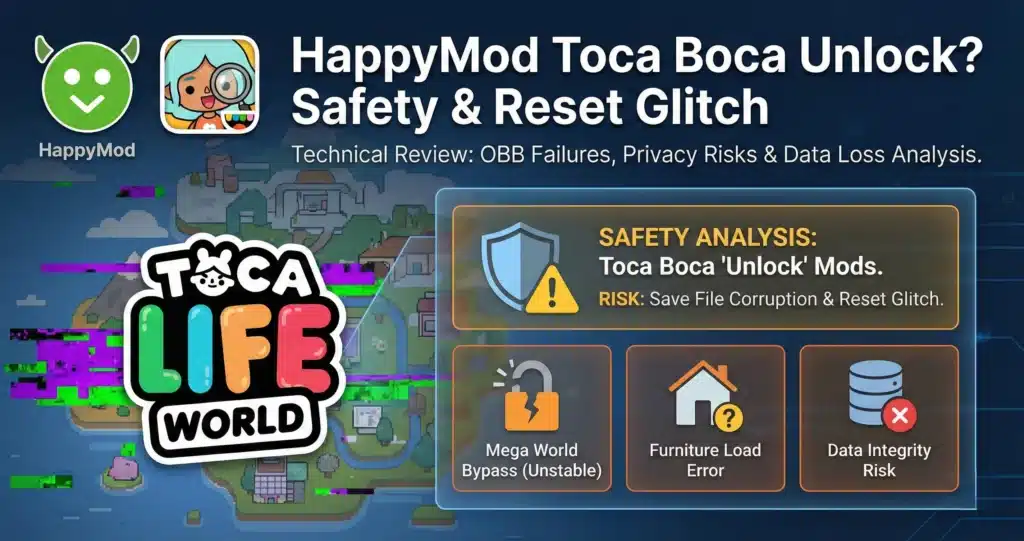
How the Mod Works Toca Boca locks furniture and maps behind a paywall using a digital “receipt” check. The modified APK removes this check, forcing the game to load the furniture list without a receipt.
Community Risk Profile: Medium (Data Corruption) This is the main source of “Parse Error” reports. If the modder did not include the OBB Data File (which holds the graphics), the game tries to load empty space. This often corrupts your save file. You might lose your house designs.
Expert Insight: Learn how to manage data files in our HappyMod Toca Boca World Safety Guide.
3. Roblox
- Category: Online Platform
- Popularity: Very High
- Technical Modification: Runtime Script Injection (Lua)
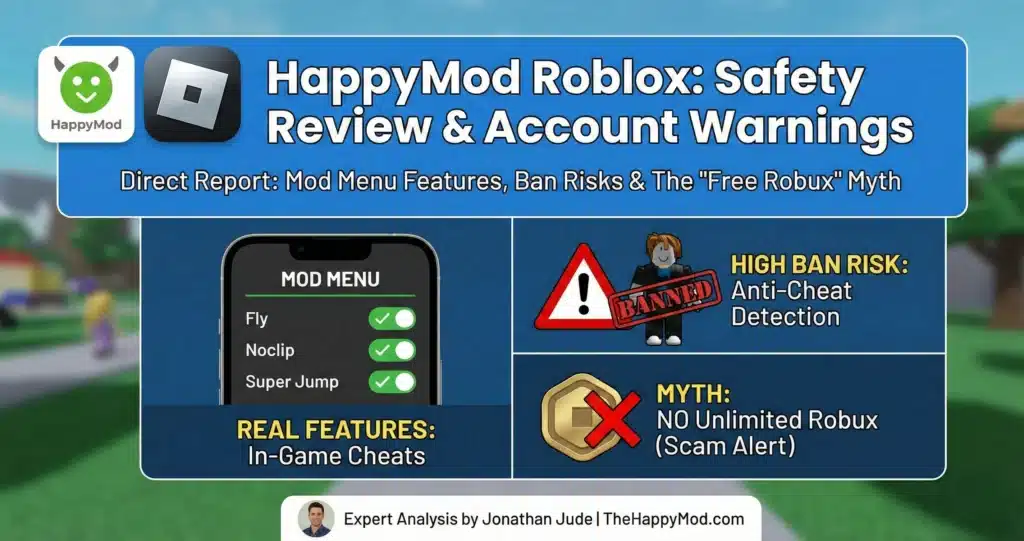
How the Mod Works Roblox is server based, so you cannot change your Robux number. Instead, mods use “Menus” to inject Lua scripts while the game runs. These scripts tell your character to Fly or Noclip (walk through walls).
Community Risk Profile: High (Account Enforcement) Warning: Roblox uses Hyperion (Byfron), a strong anti cheat engine. It scans your device memory. If it sees a foreign script, it does not just kick you. It bans your account. Sometimes, it bans your Hardware ID. That means your phone can never play Roblox again.
Expert Insight: Read about the specific dangers in our HappyMod Roblox Guide.
4. Clash of Clans
- Category: Strategy
- Popularity: High
- Technical Modification: Private Server Redirection
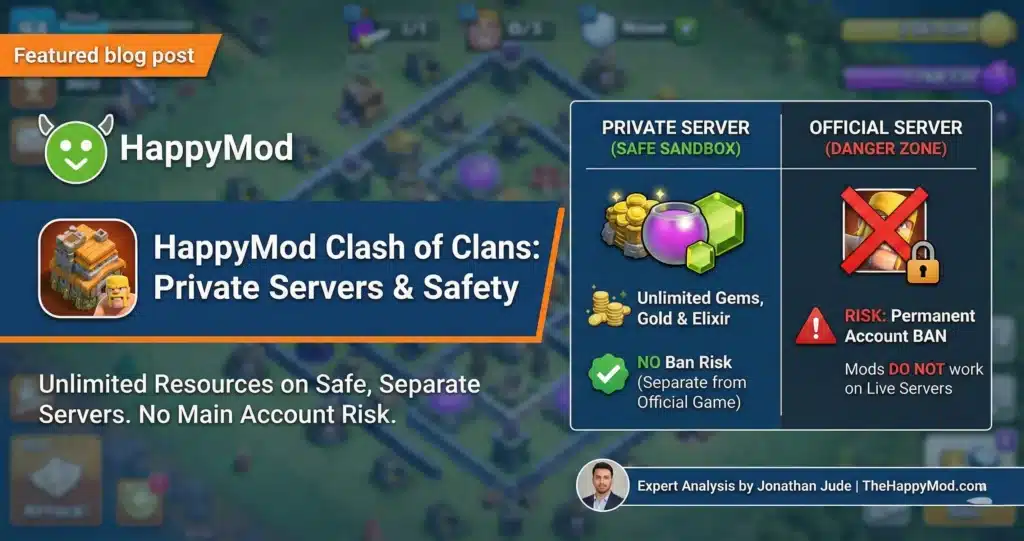
How the Mod Works You cannot hack the official Supercell servers. So, the APK edits the Hosts File inside the app. It redirects your connection to a fan-run private server. On this separate server, everyone has unlimited gems.
Community Risk Profile: Low (Sandbox Environment) Private server redirects are isolated from the official game servers. Your main account is not at risk because you are connecting to a separate environment, not the official servers. You play on a separate playground. You cannot play with friends on the real server, but you will not get your main account banned.
Expert Insight: Learn the difference between official and private servers in our HappyMod Clash of Clans Guide.
5. Spotify
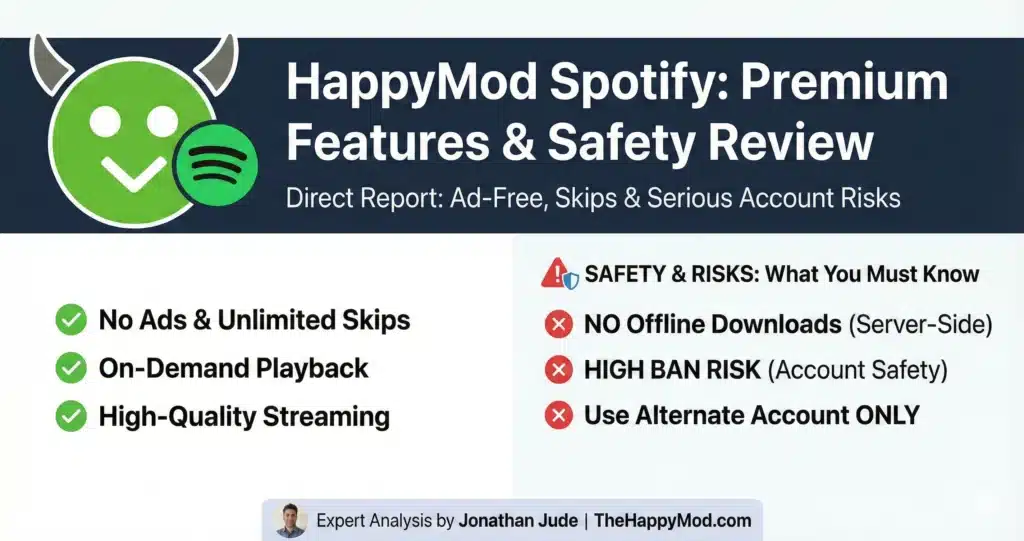
- Category: Music Streaming
- Popularity: High
- Technical Modification: Interface (UI) Suppression
How the Mod Works The mod edits the XML layout files to shrink the “Ad Banner” size to zero pixels. It hides the ad from view. It also tells the “Next Song” button to ignore the skip limit.
Community Risk Profile: Medium (Feature Limitations) It works for listening. However, no mod can legitimately deliver offline mode. Offline music requires a valid encryption key from the Spotify server. A mod cannot fake that key. If an app asks for your login to “unlock downloads,” it is a scam.
Expert Insight: Read our full security analysis in the HappyMod Spotify Safety Guide.
6. Netflix
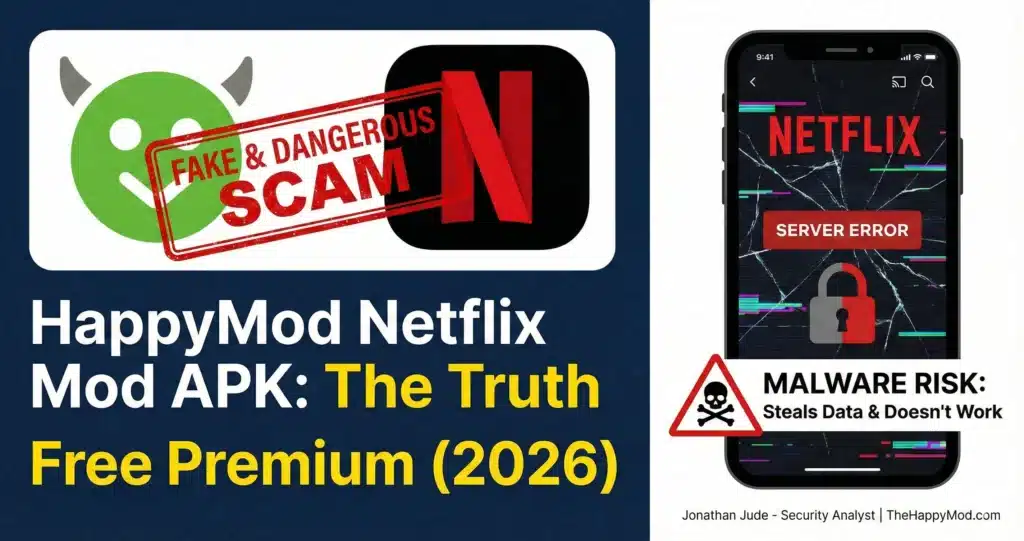
- Category: Video Streaming
- Popularity: High
- Technical Modification: None (Fake / Malware Vector)
Community Risk Profile: Critical (Avoid Immediately) You cannot mod Netflix. Netflix protects video streams with Widevine DRM Level 1. The decryption happens inside your phone’s processor (hardware), not the app (software). An APK file cannot bypass hardware encryption.
The Security Verdict Unsafe. Avoid. Netflix cannot be modded at the APK level because Widevine DRM Level 1 decryption occurs in the device’s hardware processor, not the app. Any APK claiming to bypass this is not delivering what it promises. Files labeled ‘Netflix Mod’ are widely documented in security research as malware. Do not install them.
Expert Insight: See the proof in our HappyMod Netflix Safety Guide.
7. GTA: San Andreas
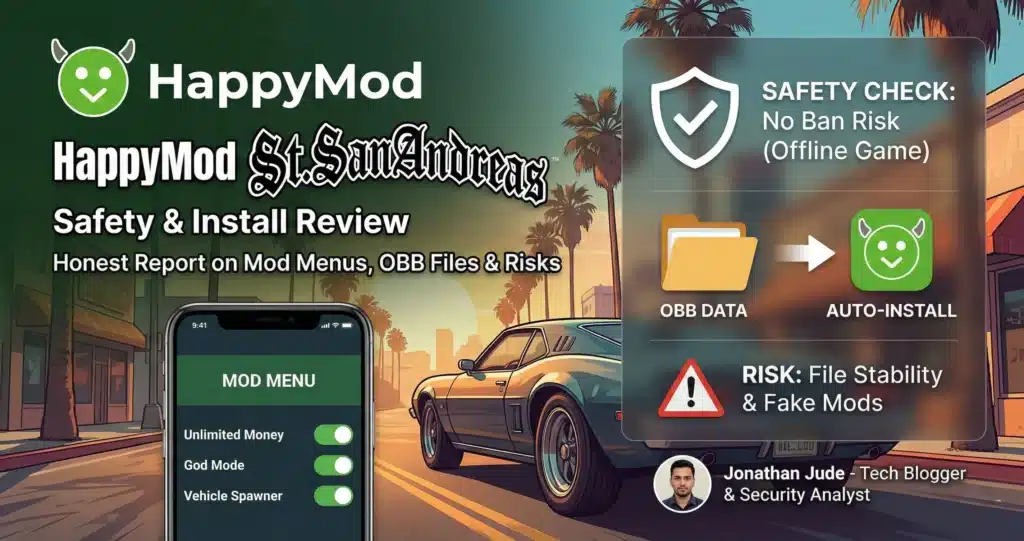
- Category: Open World / Action
- Popularity: Medium
- Technical Modification: Save State Injection
How the Mod Works This is a data replacement, not a code change. The mod replaces your “Save Slot 1” file with a file that already has the game 100% completed with maximum money.
Community Risk Profile: Low (Local Data) The main risk is installation difficulty. You must manually place the OBB data files in the Android/obb/ folder. If you put them in the wrong place, the game stays black and will not load.
Expert Insight: We explain the installation steps in the HappyMod GTA San Andreas Guide.
8. Subway Surfers
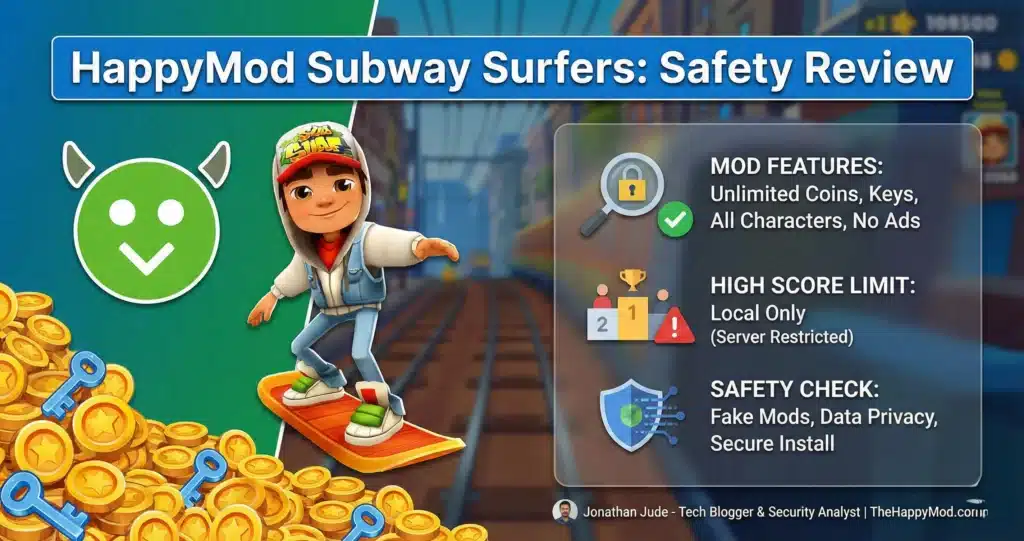
- Category: Endless Runner
- Popularity: Very High
- Technical Modification: Local Integer Editing
How the Mod Works Subway Surfers stores your coin count in a local text file (JSON). The mod changes that text file value to 2,147,483,647 — the highest number the game’s coin counter can store.
Community Risk Profile: Low (Offline Logic) This category carries lower risk. Subway Surfers stores game data locally and does not enforce server-side anti-cheat. The main reported issue is that unlimited unlocks reduce gameplay challenge. With all resources unlocked, the core gameplay loop changes significantly.
Expert Insight: Read our HappyMod Subway Surfers Guide.
9. Among Us
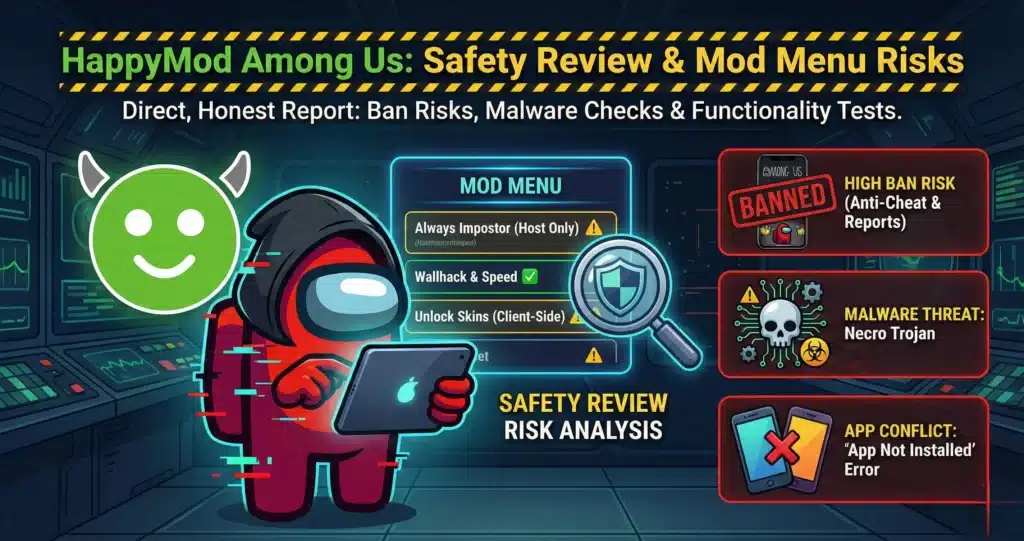
- Category: Social Deduction
- Popularity: Medium
- Technical Modification: Logic Flow Interruption
How the Mod Works The mod tries to force the game to make you the Impostor by interfering with the “Random Number Generator” (RNG) code. It also unlocks skins by telling the game “Item Purchased = True.”
Community Risk Profile: Medium (Desynchronization) This often fails. The Among Us servers validate who is the Impostor. If your phone says “I am Impostor” but the server says “No you are not,” the game will disconnect you. Skins are usually “Client-Side”, you see them, but other players see a normal astronaut.
Expert Insight: Read about the specific ban risks and Necro Trojan warnings in our HappyMod Among Us Safety Review.
10. CapCut Video Editor
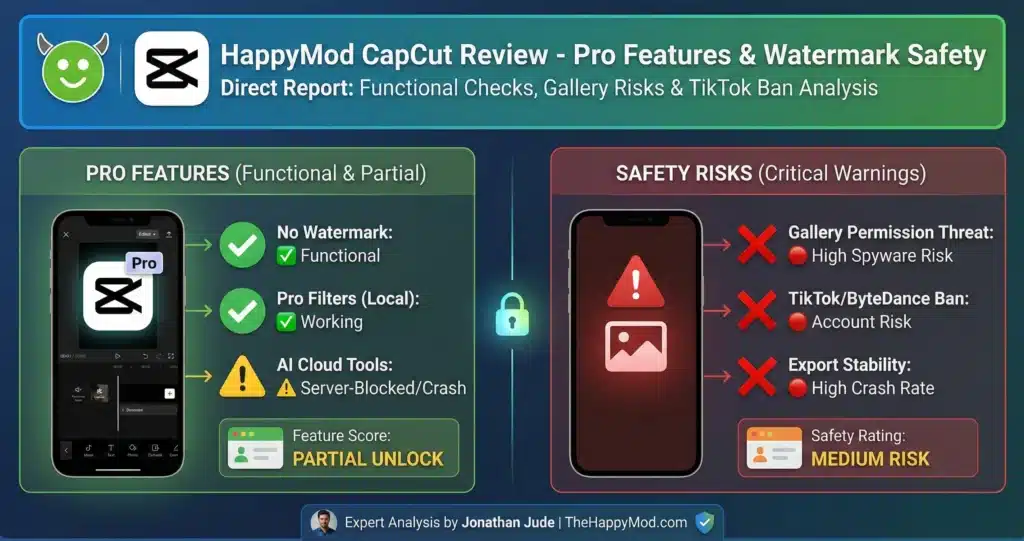
- Category: Utility / Video
- Popularity: High
- Technical Modification: Export Script Alteration
How the Mod Works CapCut puts a watermark on your video when you save it. The mod edits the “Export Script” to delete the command that overlays the watermark image. It also unlocks filters by bypassing the library check.
Community Risk Profile: Low (Render Instability) The risk is stability. Modifying the export engine can cause crashes when rendering 4K video. If the modder messed up the codec license, the app will close when you try to save.
Expert Insight: Before you grant sensitive gallery permissions, read our HappyMod CapCut safety report to understand the real privacy risks involved.
Standard Operating Procedure: How to Test Files
You now know how the mods work. But how do you know if the specific file you found is clean? The HappyMod Platform has built-in safety signals. You need to look at them before you download.
1. The “Working” Score
Users vote on whether a mod works.
- Green (70% – 100%): Most users report this file working correctly. Higher probability of a functioning install.
- Orange (50% – 69%): Risky. It might crash or be outdated.
- Red (0% – 49%): Do not download. It is likely fake or broken.
2. The Comment Logs
The text of recent comments is more informative than the star rating. Read what users describe, not just how many stars they gave. Look at comments from today.
- If users say “Force Close” or “Black Screen,” the mod is outdated.
- If users say “Fake” or “Login Error,” do not install it.
3. The Developer Signature
This is an advanced step. When you download a file, you can check its “Digital Signature.” If you are updating an app, the signature must match the one already on your phone. If it does not match, you will see the “App Not Installed” error. This is Android protecting you from a mismatched file.
Conclusion
Software modification is a gray area. It extends what your apps can do, but it introduces instability. A “mod” is simply a package where the original rules have been broken. Sometimes that means free coins. Sometimes that means a crashed game.
TheHappyMod.com documents the HappyMod APK installer through a five-step review process. The verified installer is available on our homepage.
Once you have the installer, you must use your judgment. Distinguish between Client-Side edits (safe) and Server-Side injections (risky). Avoid impossible promises like “Netflix Mods.” Stay informed. Check the logs. And always verify the source.
Access the Verified Utility To browse these categories safely, start with the verified installer. Download HappyMod from our Homepage.
People Also Ask
Is it safe to download mods from HappyMod?
Safety depends on the specific file. The HappyMod platform scans files, but community uploads vary. We recommend only downloading mods with a high “Working Score” (above 75%) and reading recent user comments.
Why is the mod I downloaded not working?
This usually happens because of a version mismatch. If the official game updates to version 2.0, but the mod is built for version 1.9, it will crash. You must wait for the modder to update the file.
The game was updated. What should I do?
You must uninstall the old mod. Then, check the platform for a new upload that matches the current game version. You cannot update a mod through the Google Play Store.
Can I get banned for using mods?
Yes, if the game is online. Offline games rarely ban users. Always use a secondary account for testing online mods.

Jonathan Jude – Mobile Security Analyst & APK Reviewer
Based in Los Angeles, Jonathan Jude has four years of hands on experience reviewing Android apps and mobile software. He writes clear, technical articles focused on app behavior, safety signals, and common user risks.
His work centers on a documented testing process that checks file integrity, permissions, and real world performance. This helps readers understand potential risks before installing third party software. You can connect with Jonathan Jude on LinkedIn and Facebook.