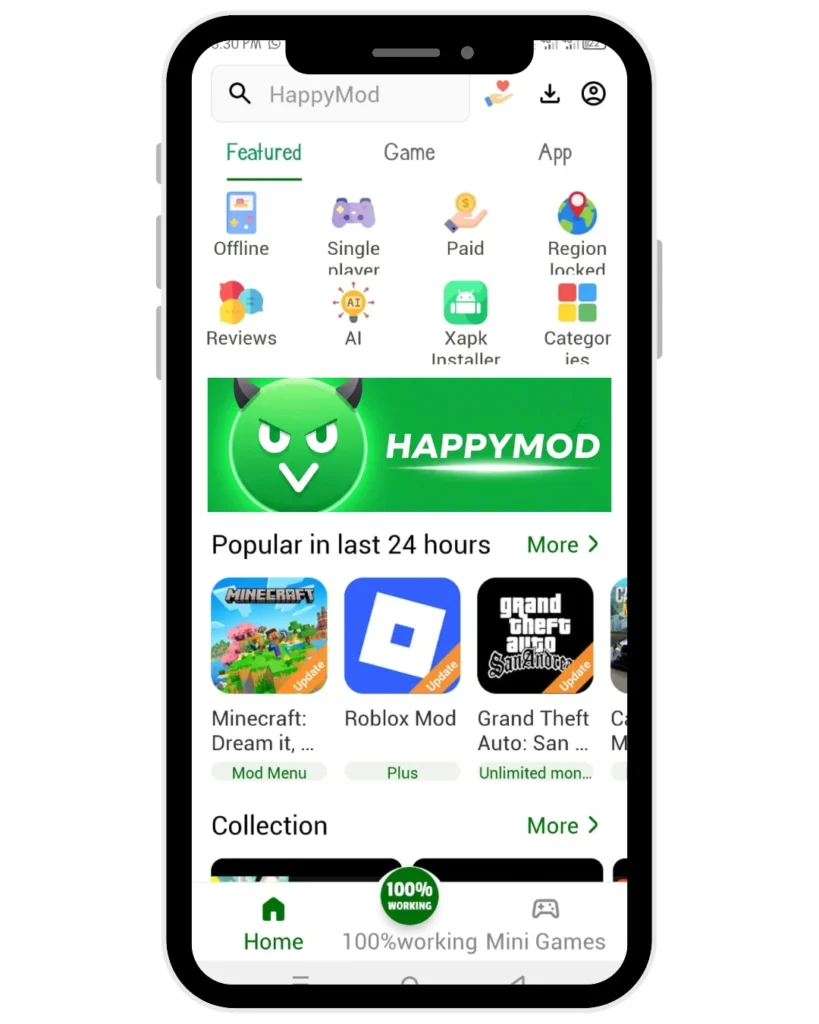
Download HappyMod APK 3.2.6 – [Jan 2026]
Status: Scanned & Clean


| Technical Specification | File Details |
| App Name | HappyMod |
| Version | 3.2.6 |
| File Size | 19.37 MB |
| Package Name | com.happymod.apk |
| Minimum Android | Android 5.0 (Lollipop) + |
| Security Status | No threats were flagged at the time of review |
| License | Free |
| Original Filename | HappyMod-3.2.6-by-thehappymod.com.apk |
This HappyMod APK (version 3.2.6) was manually reviewed by Security Analyst Jonathan Jude in January 2026.
Verification checks included:
- File size match against the original release
- Package name consistency
- SHA-256 checksum review
d9e8ec97f249f3b7f0a8b616ca8cdd52cf3427cc671c420ceed6a59df23ae309 - Scan using VirusTotal’s multi-engine detection system
No code changes were made after review. For details on how files are reviewed and stored, see the Safety & Security.
Download and Installation Steps
Step 1: Download the File
Click the green “Download HappyMod APK (19.37 MB)” button above. Your browser will request permission to save the file.
Step 2: Allow Installation
Android blocks third party installs by default.
- Tap the downloaded file in your notification bar or file manager.
- A system prompt will appear. Select Settings.
- Toggle the switch for “Allow from this source” (or “Install Unknown Apps”).
- Press the Back button to return to the installation screen.
Analyst Note: This permission grants installation rights only to the specific file manager or browser you are using. It does not disable your device’s global security protections.
Step 3: Install
Tap Install at the bottom of the prompt. The process requires 5-10 seconds to write the necessary files. Once complete, you will see the App Installed confirmation. Tap Open to launch the interface.
Troubleshooting Common Errors
If the installation fails, the most common cause is a package conflict.
- Error: “App Not Installed.”
- Fix: Uninstall any older versions of HappyMod app before installing this update.
For advanced solutions regarding parsing errors or Play Protect warnings, visit our Support & Troubleshooting Center. You can visit our website TheHappyMod.com to know almost everything about HappyMod.
People Also Ask
Is this HappyMod APK safe to install?
This file was manually reviewed and scanned using a multi engine malware system. No threats were flagged at the time of review.
Why does Android block the install at first?
Android requires user approval for apps not installed from Google Play. This is standard behavior.
Does this work on iPhone or PC?
No. APK files run only on Android.
For PC use, an Android emulator is required. iOS devices are not supported.

Jonathan Jude – Tech Blogger & Security Analyst
Based in Los Angeles, Jonathan Jude is a tech blogger with three years of experience testing mobile software. He writes direct, analysis based guides for Android applications.
His work focuses on a transparent testing process that checks each app for security and function. This gives users a clear report on software safety and performance. Connect with Jonathan Jude on LinkedIn and Facebook.