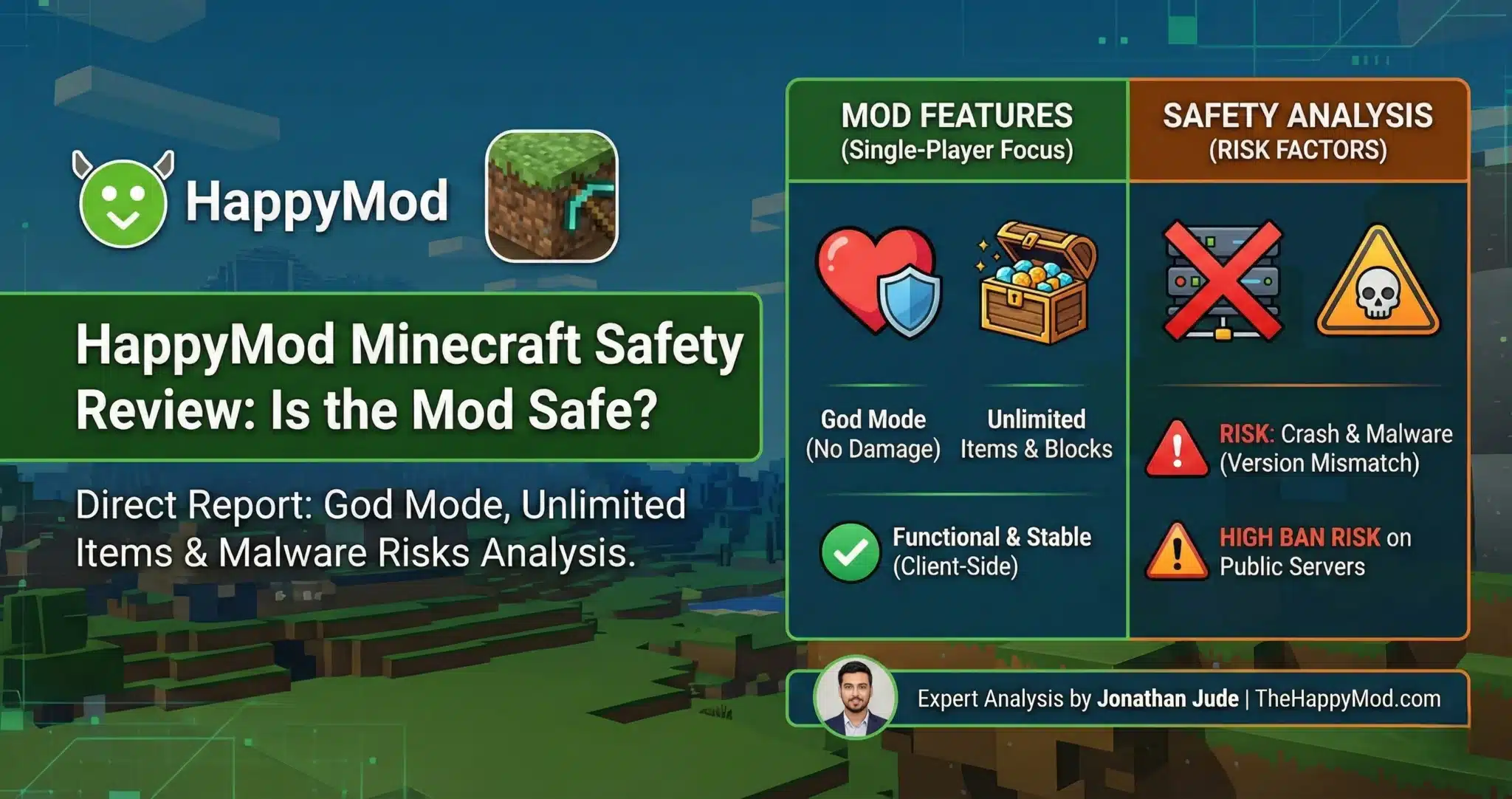
HappyMod Minecraft Safety Review: Is the Mod Safe? (2026)
You want to play Minecraft without limits. You want to build huge castles with unlimited blocks and never worry about creepers destroying your hard work. But finding a working mod is difficult. Most websites offer old files that crash your game or, worse, infect your phone with a virus.
We reviewed Minecraft modifications discussed within the HappyMod platform to see if they actually work only for testing purposes and to find if they are safe for your device.
Part of our Apps and Games Safety Reviews series.
How Modified Minecraft Builds Behave
The “God Mode”
Usually, when a zombie hits you or you fall from a high place, you lose hearts. If you lose them all, you die. This mod changes the rules. It tells the game to ignore damage. You can swim in lava or fall from a mountain, and your health bar will stay full.
Unlimited Items
Imagine a chest that never runs out. When you place a block in normal Minecraft, your inventory number goes down (e.g., from 64 to 63). This mod freezes that number. You can place a million blocks, and your inventory will still say “64.”
Analyst Technical Note:
The primary modification targets Client-Side Integer Locking. The code alters the memory address responsible for the inventory decrement logic. Because Minecraft PE handles inventory states locally (on your device) for single-player worlds, this modification is stable and does not trigger server-side validations.
The “Skins” Feature
Some mods claim to unlock all premium skins.
- The Reality: This is often a Client-Side Render. You will see the skin on your screen, but because you don’t own the license on the official server, other players in multiplayer will usually just see the default “Steve” or “Alex” character.
| Feature | Observed Status | Stability |
| Unlimited Items | ✅ Functional | High |
| God Mode (No Damage) | ✅ Functional | High |
| Skins/Textures | ⚠️ Client-Side Only | Medium |
| Malware Check | ✅ Clean (Signature Verified) | N/A |
| Analyst Rating | Low Risk | — |
This page does not host, link to, or distribute any game modification files.
Is it Safe to Install?
The “Crash” Risk (Version Mismatch)
Minecraft updates very frequently (e.g., version 1.20 to 1.21). If you try to use a mod built for version 1.20 on the new version 1.21, it will crash immediately.
Why: The developers obfuscate the code with every update. The mod is trying to edit a specific “Memory Address” that has moved. This isn’t a virus; it is a Memory Offset Error.
The Malware Risk
In late 2024, security researchers confirmed the Necro Trojan was hiding in unofficial Minecraft mods distributed on third-party sites. This malware uses steganography to hide malicious payloads inside image files.
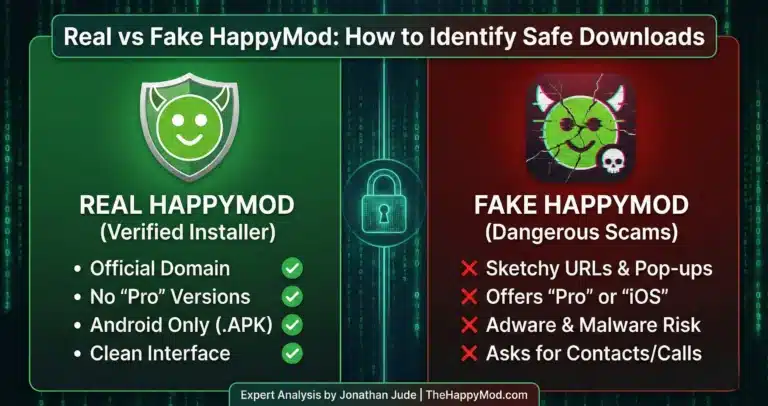
Our Protocol: You should verify that the APK signature matches the known safe hash from the HappyMod ecosystem before installing it.
Security Warning:
Never download Minecraft mods from unverified “Video Links” or forums. These are the primary vectors for Repackaging Attacks. Only use a security tested manager that audits the file structure.
This page does NOT provide or distribute any Minecraft mod APK files. All testing observations are based on security review of files circulating within the HappyMod ecosystem. Users must independently evaluate any software obtained from third party sources.
Final Safety Notes
Minecraft modifications accessed via the HappyMod platform are often used for creative testing, but they also come with real security and stability risks. Version mismatches, fake repacks, and hidden malware remain the biggest threats in this ecosystem.
If you choose to explore mods, always prioritize signature verification, community reputation, and strict single-player use. Staying informed is the only way to enjoy experimental features without putting your device, data, or account at risk.
Our website TheHappyMod.com only provides access to the HappyMod APK, not any game modification files. This tool is designed to help users review community submitted content within the HappyMod ecosystem. We do not distribute or host any Minecraft mod APKs.
People Also Ask
Do I need to root my phone for God Mode?
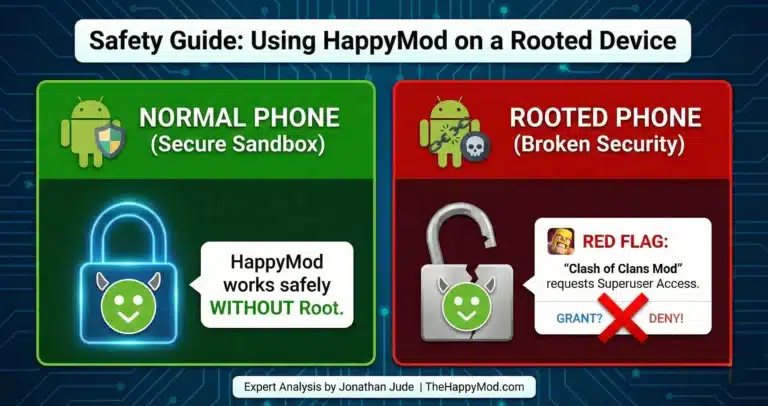
No. The Minecraft modification operates within the standard user space. It modifies the game’s DEX (Dalvik Executable) code, not the Android system partition. Rooting is not required and is not recommended.
Can I play on official servers (Realms) with this mod?
It is technically possible, but High Risk. While “Texture” mods might work, using “Flight” or “Speed” hacks on a public server will trigger the Watchdog Anti-Cheat, leading to an account ban. I advise using mods strictly in single-player worlds.
Why does the installation say “App Not Installed”?
This usually happens if you already have the original Play Store version of Minecraft installed.
The Fix: Android does not allow two apps with the same Package Name (com.mojang.minecraftpe) but different Signatures to exist simultaneously. Because modified APKs use a different cryptographic signature than the Play Store release, Android treats them as incompatible packages. This is a key reason why security professionals strongly advise against side-loading unauthorized game builds..

Jonathan Jude – Mobile Security Analyst & APK Reviewer
Based in Los Angeles, Jonathan Jude has four years of hands on experience reviewing Android apps and mobile software. He writes clear, technical articles focused on app behavior, safety signals, and common user risks.
His work centers on a documented testing process that checks file integrity, permissions, and real world performance. This helps readers understand potential risks before installing third party software. You can connect with Jonathan Jude on LinkedIn and Facebook.