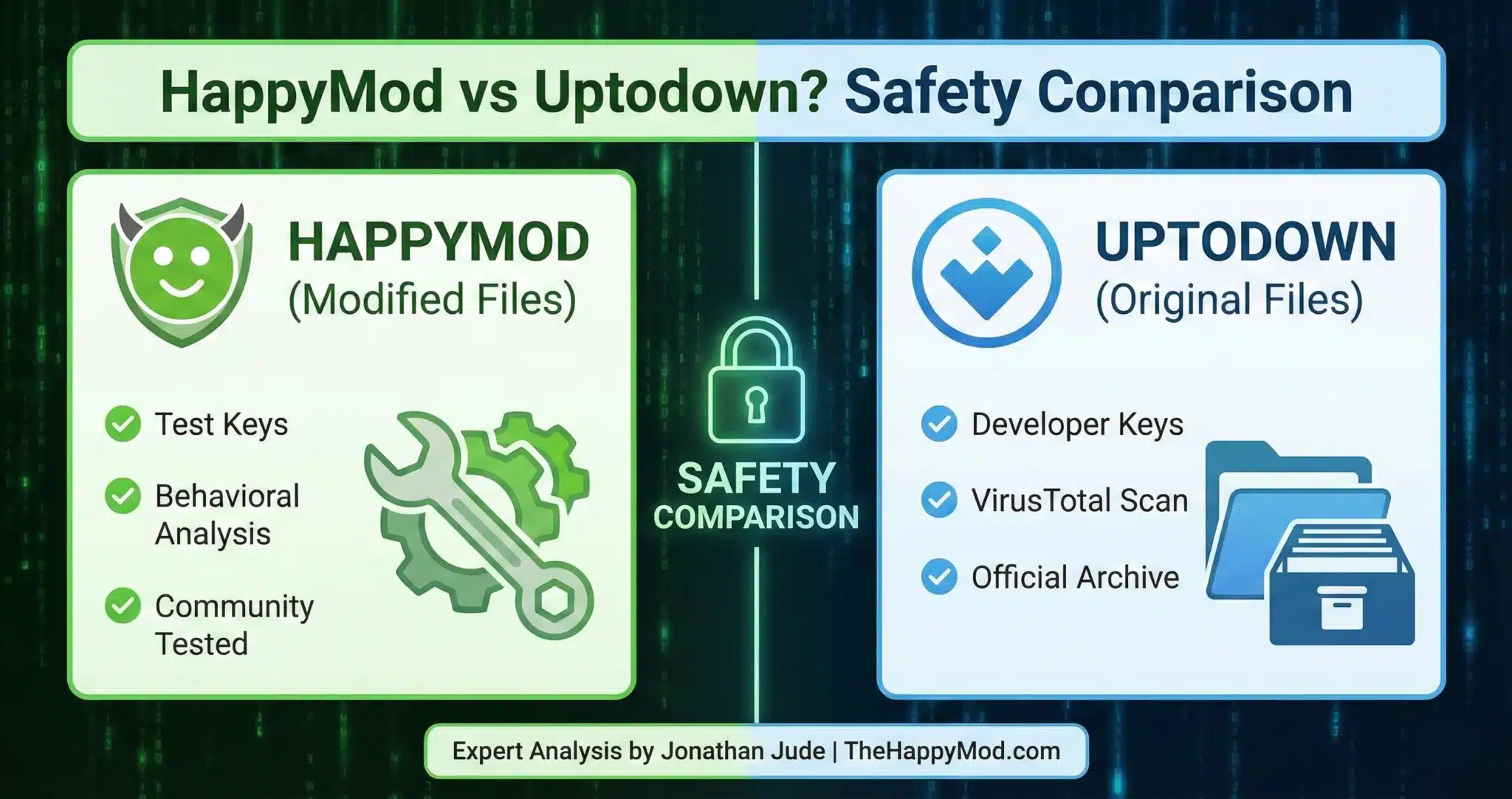
HappyMod vs Uptodown? Safety Comparison [2026]
You are looking for an app store that gives you more freedom than the Google Play Store. Maybe you need an older version of an app that works on your old phone, or you are researching how modified games behave.
They look similar, but they serve opposite purposes. One is an archive for official versions (Uptodown), and the other is a utility for modified files (HappyMod). This comparison covers how each platform handles files and which one fits different use cases.
“See also: HappyMod vs ACMarket | HappyMod vs Aptoide | HappyMod vs Softonic“
At a Glance: Core Differences
This table gives you a quick summary of the most important differences between HappyMod and Uptodown.
Important: TheHappyMod.com does not host or distribute modified application files. We audit the security architecture of the HappyMod APK itself. Modified applications referenced in this analysis exist within third-party ecosystems and are discussed for educational security research purposes only.
| Feature | HappyMod Ecosystem | Uptodown Platform |
| Primary Utility | Mod Verification | App Archival |
| File Type | Modified (Re-signed) | Original (Official) |
| Malware Risk | Low (Audited) | Low (VirusTotal) |
| Signature Status | Test/Third-Party Key | Original Developer Key |
| Analyst Rating | High | High |
See the complete HappyMod vs ACMarket safety breakdown.
The Fundamental Difference
This is the most important thing you need to understand. The biggest difference between these two platforms is the type of files they offer.
Uptodown: The Official Archive
Uptodown operates as an app archive. Their goal is to keep a copy of every app ever made. If you have an older phone that cannot run the latest version of an app, you go to Uptodown to find an older compatible version. They do not change the apps. They keep them exactly as the developer made them.
HappyMod: The Mod Focused Platform
HappyMod is built for “Mods.” These are apps that have been opened and changed by developers. HappyMod is built for modified Android files. Its catalog focuses on community-submitted modified builds rather than official developer releases.
Analyst Technical Note
The architectural distinction lies in the Cryptographic Signature.
- Uptodown preserves the Original Developer Signature. This means the file has not been modified from the developer’s original release.
- HappyMod indexes modified packages. Because the code has been altered from the original, the developer’s signature no longer matches. Modified files carry a different signature than the original developer release. This is why you cannot install a HappyMod APK over an Uptodown APK of the same app.
Security Protocols (How They Scan)
Because the platforms offer different types of files, they must also handle safety in different ways.
How Uptodown Protects You
Uptodown applies automated security scanning to every file before listing. Uptodown submits files to VirusTotal for scanning. Every file on their site passes through multi-engine antivirus checks before listing. Flagged files are removed from their catalog. It is considered safe for standard apps.
How HappyMod Protects You
Modified files frequently trigger false positive flags in automated antivirus scans because the altered signature differs from the original developer signing key.
- Community Signals: The HappyMod platform displays working percentage scores based on user-reported install success, which reflects behavioral stability beyond what a signature scan shows.
- Working Score: Each file displays a community-generated percentage showing how many users reported successful installation and function.
Security Warning
While Uptodown is safe, be careful of “Clone Sites.” Scammers often buy domains that look like Uptodown to distribute malware via Typosquatting. Always verify you are on the official domain or using a verified manager before downloading.
Which Platform Fits Your Needs?
The right platform depends on the task. Here is how the two differ in practice.
Use Uptodown If…
- You need to Rollback to an older version of an app due to bugs or hardware limits.
- You are looking for Region-Locked apps (apps not available in your country).
- You require the Original APK with the official developer signature.
Use HappyMod If…
- You are researching Modified Features (e.g., Unlocked Levels, Interface Customizations).
- You want a file that has been tested for Behavioral Stability.
- You need a manager that can handle XAPK (Split APK) installations.
Read more: How to Avoid Malicious Apps & Fakes
Final Safety Verdict
If you need an archive for official apps, Uptodown is a suitable choice. However, if your goal is to manage and test Modified Android Packages, the HappyMod APK is the environment focused on modifications. Its community working score shows how many users reported the file installing and functioning correctly.
Verifying the package manager is recommended. Background details about the HappyMod tool are available on our Homepage.
People Also Ask
Is Uptodown safer than the Play Store?
Uptodown is comparable in safety to the Play Store regarding malware. However, because they host older versions of apps, those specific versions might have unpatched security vulnerabilities. The Play Store forces you to update; Uptodown lets you stay on older (potentially vulnerable) versions.
Why can’t I install a HappyMod app on top of a Uptodown app?
This is a Signature Conflict. Android security forbids updating an app if the digital signatures do not match. Uptodown uses the Official Key; HappyMod uses a Third-Party Key. To switch, you must uninstall the old version first.
Does Uptodown host modded games?
Generally, no. Uptodown’s policy is strict regarding intellectual property and developer integrity. They mirror official files. If you are looking for modified app builds, platforms focused on that specific file type are the appropriate source.

Jonathan Jude – Mobile Security Analyst & APK Reviewer
Based in Los Angeles, Jonathan Jude has four years of hands on experience reviewing Android apps and mobile software. He writes clear, technical articles focused on app behavior, safety signals, and common user risks.
His work centers on a documented testing process that checks file integrity, permissions, and real world performance. This helps readers understand potential risks before installing third party software. You can connect with Jonathan Jude on LinkedIn and Facebook.