HappyMod vs Aptoide: Safety Comparison [2026]
You are looking for a way to manage apps that are not available on the standard Google Play Store. You might be researching how modified versions of games behave compared to the original versions.
Two names always come up: HappyMod and Aptoide. At first glance, they look like the same thing. But our review shows they are built very differently. One is a community-driven platform for modified app files with public working scores; the other is an open marketplace where anyone can upload files. I compared their security architectures to help you understand the risks.
“See also: HappyMod vs ACMarket | HappyMod vs Softonic | HappyMod vs Uptodown“
Core Focus: The Main Difference
HappyMod
HappyMod functions as a platform for browsing and downloading modified app files. Its purpose is not just to list apps, but to categorize specific modifications (like altered game physics or unlocked regions) and verify if they are safe to execute. It focuses strictly on the “Modified” ecosystem.
Aptoide
Aptoide functions as a massive alternative to the Play Store. It hosts millions of standard apps. However, it allows users to create their own “Stores.” This means you are often downloading a file from a stranger’s personal repository, not a central server.
Analyst Technical Note:
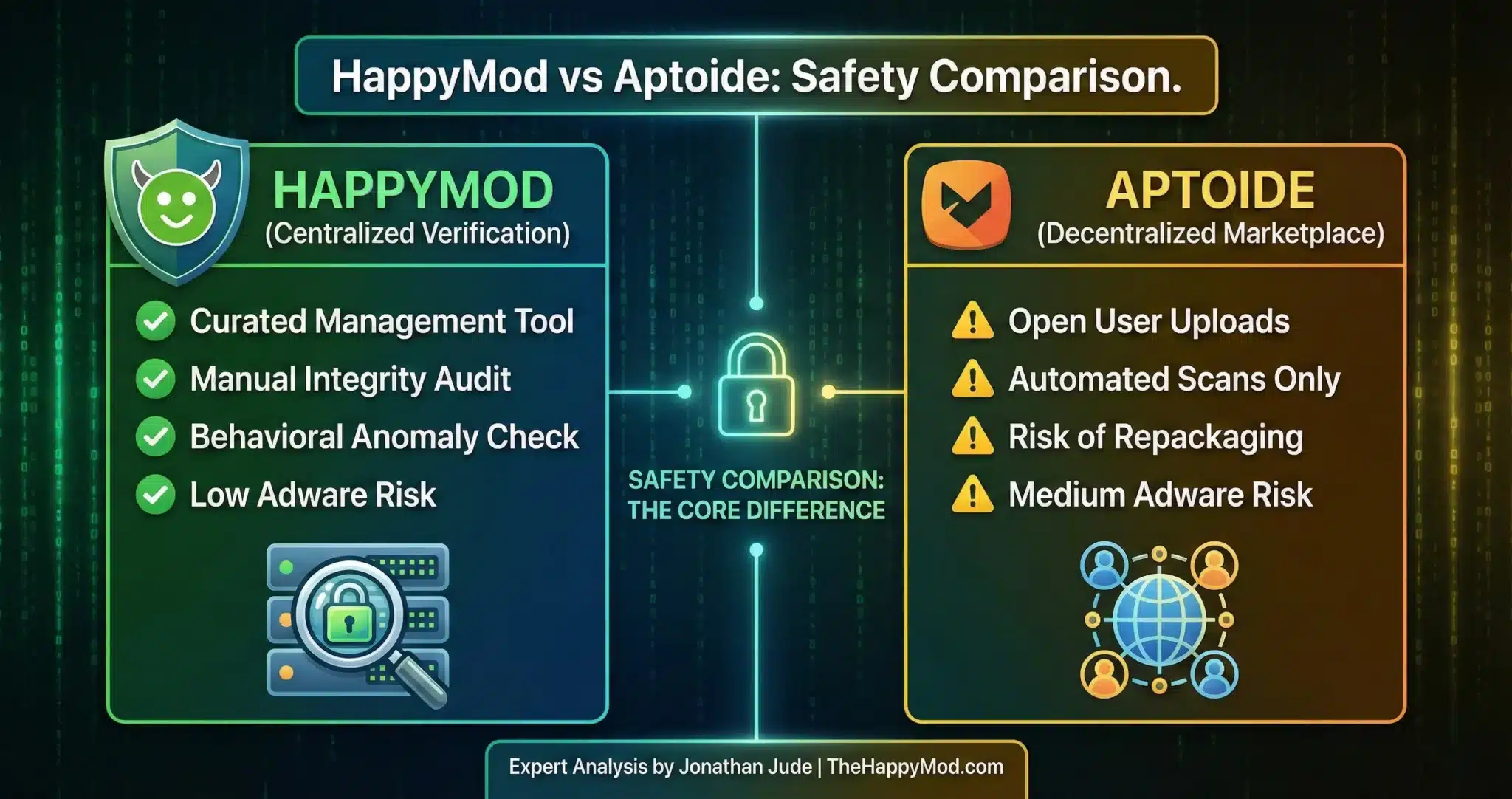
The architectural distinction is Centralized vs Decentralized.
- HappyMod displays community working scores and runs automated checks on uploaded files before listing
- Aptoide operates as a P2P Hybrid Marketplace. It allows user generated binaries. This creates a Supply Chain Vulnerability where malicious actors can clone legitimate apps, inject code, and upload them to their personal store.
Head to Head Comparison
To make the choice clearer, I have put the main points into a simple chart. It shows how HappyMod and Aptoide stack up against each other in four important areas.
| Feature | HappyMod Ecosystem | Aptoide Marketplace |
| Primary Utility | Mod Verification | App Repository |
| Security Model | Centralized Audit | Decentralized Scan |
| Risk Class | Low | Medium |
| Adware Vector | Low (Strict Protocol) | Medium (User Uploads) |
| Analyst Rating | High | Low |
Compare a massive software library in our full HappyMod vs Softonic review.
Security Protocols
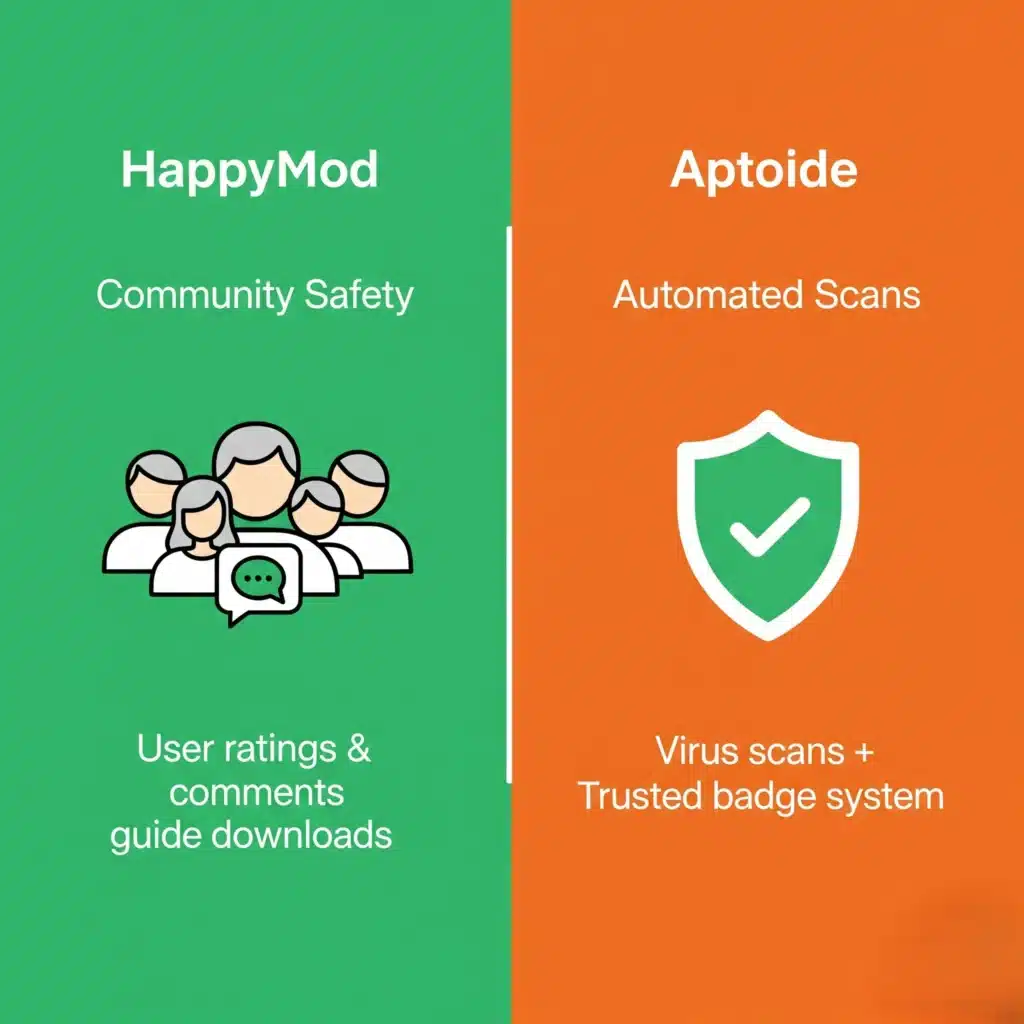
How HappyMod Filters Threats
The HappyMod ecosystem uses a “Crowdsourced + Forensic” approach.
- Community Reporting: Users flag files that fail or behave unexpectedly, which updates the working score in real time.
- Working Score Visibility: Each file displays a community-generated working percentage that reflects reported install success rates.
- Transparency: The platform displays a working percentage score next to each file so users can see community-reported reliability before downloading.
Full details of the review process are on the Safety Guide page.
How Aptoide Filters Threats
Aptoide uses an automated “Trusted” badge system. If an app passes their virus scan, it gets a green shield. However, automated scanners often miss “Logic Bombs” or new malware variants. Because the upload volume is so high, infected files can exist on the platform until a user reports them.
Security Warning
Aptoide’s decentralized model suffers from “Repackaging Attacks.” A bad actor can download a clean app (like WhatsApp), inject a payload, and re-upload it. Since Aptoide hosts thousands of duplicate versions of the same app, users can sometimes select a compromised version by mistake.
Which Utility Fits Your Needs?
The right platform depends on the specific task. Here is how the two differ in practice.
Use HappyMod If…
- You are researching Modified Software Behavior (e.g., Sandbox environments).
- You require a file that has undergone Manual Integrity Verification.
- You want to reduce the risk of user uploaded malware.
Read more: How to Avoid Malicious Apps & Fakes
Use Aptoide If…
- You need to rollback to an Older Version of a standard application (e.g., for compatibility testing).
- You are looking for standard, unmodified Android packages.
- Advisory: Strictly limit downloads to items with the Green ‘Trusted’ Shield. For added security, run any file through our Online Virus Scanner before executing.
Final Safety Verdict
If your goal is to analyze or utilize modified Android packages, the HappyMod platform offers more visible safety signals through its community working scores and public file reporting. Aptoide remains a valid option for standard app archival, but its open upload structure means file sources are harder to verify.
Do not install files that have not been scanned. Use the Virus Scanner tool to check any file before installation. Get the verified HappyMod APK installer from main page.
People Also Ask
Why does HappyMod flag files that Aptoide marks as “Safe”?
This is a difference in Heuristic Sensitivity. Aptoide’s automated scanners check files against known malware signature databases. The review process on TheHappyMod.com checks for behavioral anomalies — such as an app requesting Admin Permissions or SMS Access beyond its stated function. A file can pass a virus scan and still request permissions that exceed its stated function. The permission review step in our installer check covers this for the HappyMod APK specifically.
Does Aptoide or HappyMod require Root Access?
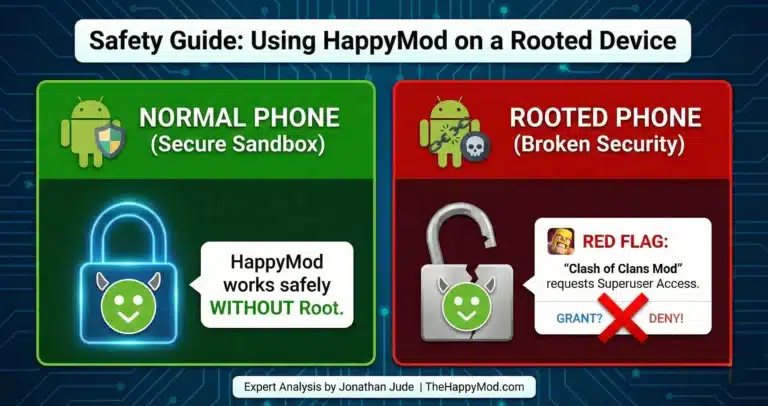
No. Both utilities function within the standard Android Application Sandbox. HappyMod does not require root access to function. While some advanced users may use root based tools for controlled research purposes, standard users should remain within the Android application sandbox to reduce security risks.
Why are download speeds different between the two platforms?
This is an infrastructure difference. Aptoide uses a P2P-style distribution (Peer-to-Peer), where you might be downloading data from various nodes. The HappyMod platform runs file checks before listing and displays community working scores alongside each entry. While P2P can be faster, Centralized Hosting allows for stricter security verification (Checksum Validation) before the file reaches your device.

Jonathan Jude – Mobile Security Analyst & APK Reviewer
Based in Los Angeles, Jonathan Jude has four years of hands on experience reviewing Android apps and mobile software. He writes clear, technical articles focused on app behavior, safety signals, and common user risks.
His work centers on a documented testing process that checks file integrity, permissions, and real world performance. This helps readers understand potential risks before installing third party software. You can connect with Jonathan Jude on LinkedIn and Facebook.